


Transforming Data with Salesforce Data Cloud: A Complete Guide to Batch & Stream Data Transforms
In today’s digital era, data is the anchor of every successful business strategy. Organizations rely heavily on rich, timely, and reliable data to improve customer engagement, optimise operations, and fuel smarter decision-making. As customer interactions become more dynamic, businesses need systems that not only collect data but transform it into actionable intelligence.
Salesforce Data Cloud solves this challenge with powerful batch and stream data transforms, enabling organizations to prepare, unify, and activate data with precision. This blog explores how these transforms work, when to use them, and how they power modern applications such as Marketing Cloud Next—all based on verified Salesforce capabilities.
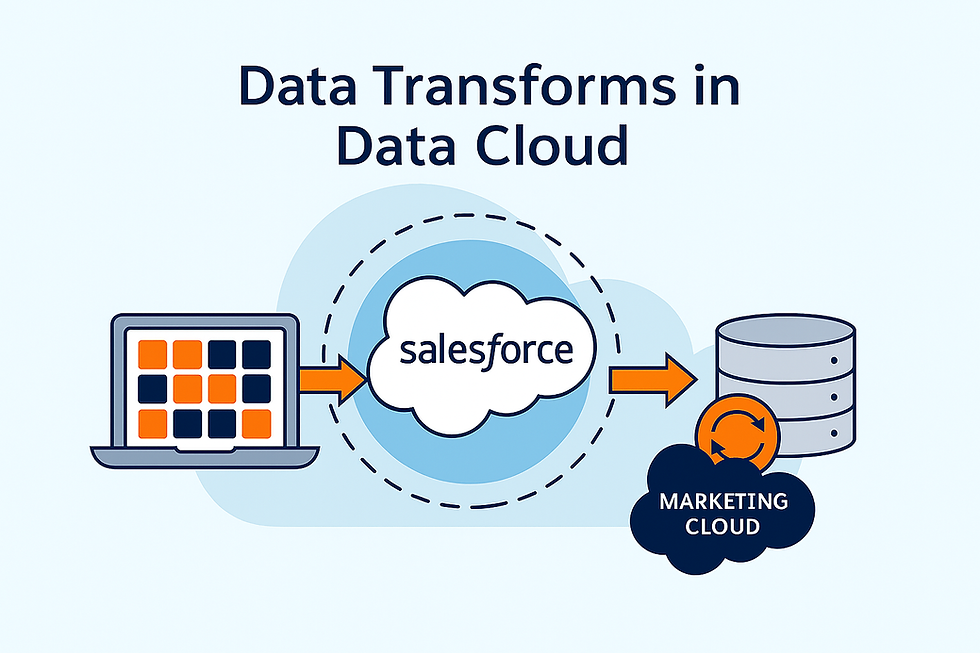
What Are Data Transforms in Salesforce Data Cloud?
Data transforms allow businesses to convert raw, ingested data into structured, usable, and enriched datasets. With Data Cloud, transforms can be executed in two modes:
Batch Transforms for scheduled, large-scale data preparation
Stream Transforms for near real-time enrichment
Both methods help organizations bring data closer to analysis, activation, and customer experiences.
Batch Data Transforms: Scalable, Repeatable Data Preparation
Batch data transforms are ideal for processing large volumes of data on a scheduled cadence. They help teams apply business logic and merge, calculate, or reshape datasets for downstream use.
Key Characteristics
Full Data Refresh: Each run replaces the output with a fresh dataset.
Multiple Sources: Works with Data Lake Objects (DLOs) and Data Model Objects (DMOs).
Visual Builder: Provides a user-friendly editor for joining data, adding calculated fields, and modelling outputs.
Defined Targets: Results are written back to one or more target Data Lake Objects.
Example Use Case
Imagine you are preparing a unified dataset that merges heart disease data with older patient records. Using a batch transform, you can combine both sources and generate a clean output, such as “TGT Health Data”, ready for clinical analytics or segmentation.
Once the transform completes, you can verify the results using Data Explorer—ensuring your DMO or DLO reflects the expected fields and records.
When to Use Batch Transforms
Preparing historical datasets for warehousing
Daily or weekly data refreshes
Normalising CRM or clinical data for analytics
Financial or operational reporting workflows
Batch transforms are the backbone of structured data modelling.
Stream Data Transforms: Real-Time Data Intelligence
Stream data transforms operate in near real-time, processing data as it arrives. This is suited for high-velocity use cases where timeliness is mission-critical.
Key Characteristics
Continuous Data Processing: Runs as events flow into Data Cloud.
Real-Time Enrichment: Ideal for cleaning, formatting, or enriching data instantly.
Supports SQL Expressions: Allows use of operators such as UNION to normalise data.
Live Monitoring: Track processed, failed, and removed records via the monitoring panel.
Example Use Case
A classic use case is real-time fraud detection, where credit-card transactions from multiple systems are normalised instantly. As irregular patterns emerge, systems can act immediately—showing the power of streaming transforms.
When to Use Stream Transforms
IoT sensor data
Real-time customer behaviour
Live event tracking
Immediate marketing actions (e.g., click triggers, page views)
Stream transforms help businesses maintain responsiveness at digital speed.
Batch vs Stream: Choosing the Right Method
Aspect | Batch Transforms | Stream Transforms |
Processing Mode | Scheduled | Continuous |
Use Cases | Reporting, warehousing, periodic updates | Real-time insights, behavioural triggers |
Ideal For | Large datasets | High-velocity, event-based data |
Output | Rebuilt dataset each run | Incremental processing |
Most organizations end up using both—batch for structured modelling and stream for responsive insights.
Monitoring & Governance
Data Cloud provides monitoring for both transform types:
Track run history, processing metrics, success/failure counts, and data lineage
View refresh status directly in the Data Transforms workspace
Apply governance and access controls that are consistent with Data Cloud’s security model
This helps admins maintain trust, transparency, and control over enterprise data pipelines.
Where Transformed Data Goes Next: Aligning to Customer 360 Data Model
After transforming the data, the next step is to ensure it aligns to Salesforce’s Customer 360 canonical data model. This includes mapping attributes such as:
Customer identifiers
Engagement data
Preferences and consent
Transaction or behavioural signals
This mapping ensures the transformed datasets fit seamlessly into downstream activation, especially in marketing and personalization use cases.
How Transformed Data Powers Marketing Cloud Next
Because Marketing Cloud Next is built natively on Data Cloud, transformed data becomes immediately usable across marketing functions without duplication or syncing.
How it works (Validated):
Transformed data appears directly inside Audience Builder
Marketers can segment on fields from Data Kits and transformed DMOs
Real-time updates from stream transforms instantly reflect in journeys
Email/SMS/WhatsApp personalization uses fields from Data Cloud
Identity stitching in Data Cloud ensures consistent customer profiles
Governance and permissions applied in Data Cloud carry into MC Next
This creates a unified, modern marketing architecture where clean, transformed, real-time data flows directly into activation—without separate data models or sync jobs.
Conclusion: A Balanced Data Strategy for Modern Enterprises
Batch and stream transforms form the foundation of modern data processing in Salesforce Data Cloud. Batch transforms excel at large-scale modelling, while stream transforms drive immediate insights and actions. Together, they help businesses ensure that data is not only collected but prepared, enriched, unified, and activated.
With the rise of Marketing Cloud Next, these capabilities become even more powerful—fueling intelligent segmentation, real-time personalization, and unified customer engagement across channels.
A thoughtful combination of both transform types enables businesses to deliver truly connected, data-driven experiences at scale.


Comments